Private services
Run an HTTP app on seenode with no public URL — only other services on the private network can reach it.
Last updated September 18, 2026
A private service is an HTTP application with no public URL and no custom domains. Other seenode services in the same workspace call it over the private network. Use it for internal APIs, admin tools, or anything that should not face the internet.
Private services use the same instance sizes and billing as web services. Source can be Git or a Docker image.
Note (Private vs worker)
A private service listens for HTTP on a port and has an internal address. A worker has no HTTP port and no ClusterIP — it is for queue consumers and other long-running processes. See Deploy a worker.
Create a private service
-
Create the service
In the dashboard, choose Private service (or Create new… → Private service). Connect a Git repository or pick a Docker image.
-
Configure like a web app
Set language (or image), build and start commands (Git), and the port your process listens on. Bind to
0.0.0.0on that port — same rule as web services. -
Create and wait
Create the service and watch Logs until it is live. There is no
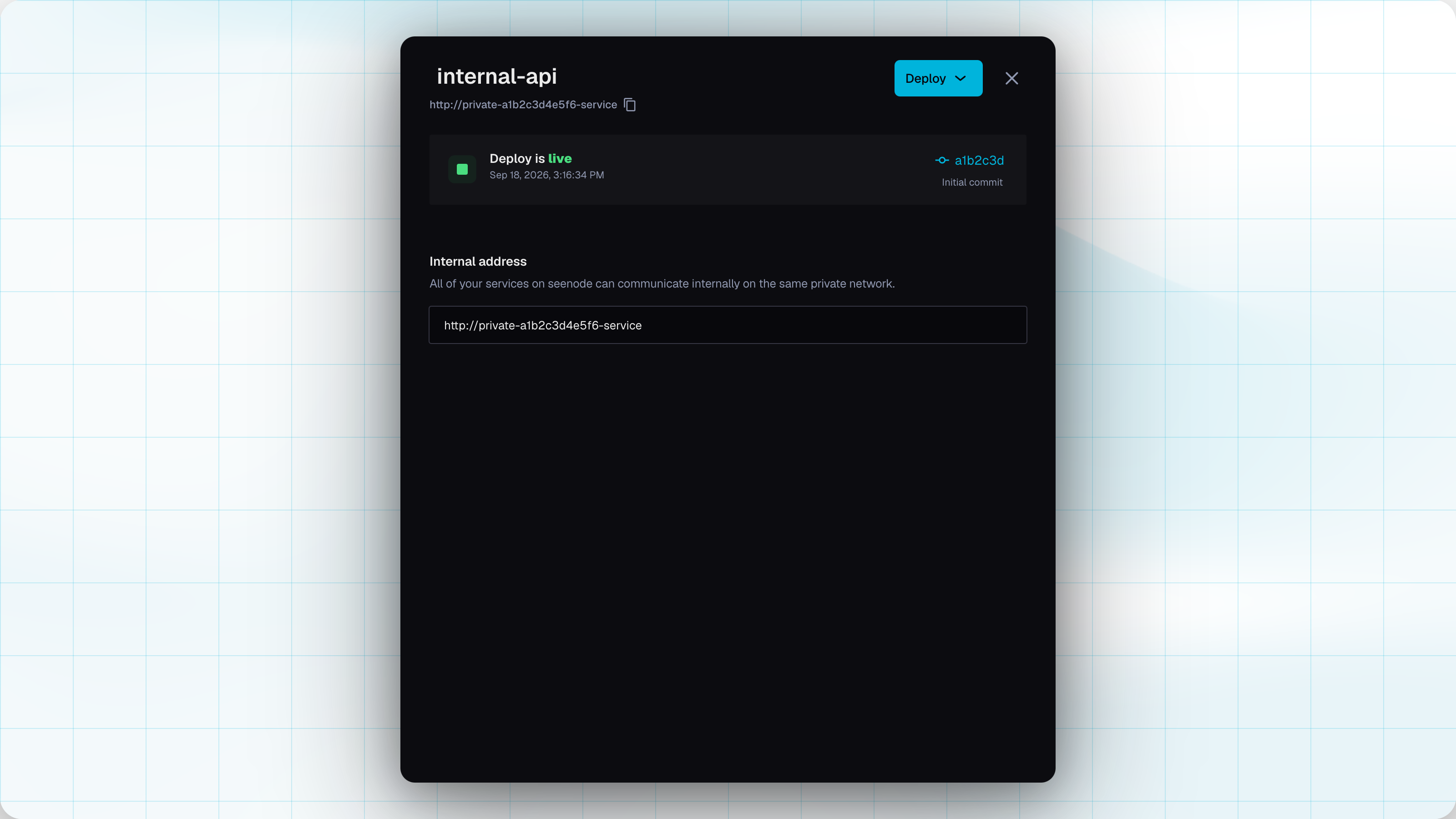
*.seenode.appURL. Open the Network tab for the internal address.
Internal address
Copy the address from the Network tab. It looks like:
http://private-a1b2c3d4e5f6-service{name} is assigned at create (private- plus 12 characters). Other services in the workspace call that host; traffic reaches the port you configured on the service.
Web services use the same pattern (http://web-…-service). Workers and static sites do not get a per-app ClusterIP.
What private services do not have
- No public hostname, no Domains tab, no custom domains
- No internet ingress — only the workspace private network
They still have Envs, Logs, Usage, Storage, Settings (instance size, replicas, auto-deploy for Git), and the same environment variable apply path as web and worker.
Related
Choose a service type
Decision flowchart for static, web, worker, private, and databases.Web services
Public HTTP with the same build and run model.Managing a service
Deploys, logs, metrics, and private networking.Custom domains
Only for web and static — not private.