Environment variables
Add, import, and mark secrets on a seenode service — and when a save actually takes effect.
Last updated September 18, 2026
Environment variables are KEY / value pairs on an application. Web, worker, and private services see them at build and runtime. Static sites see them at build time only.
Edit variables
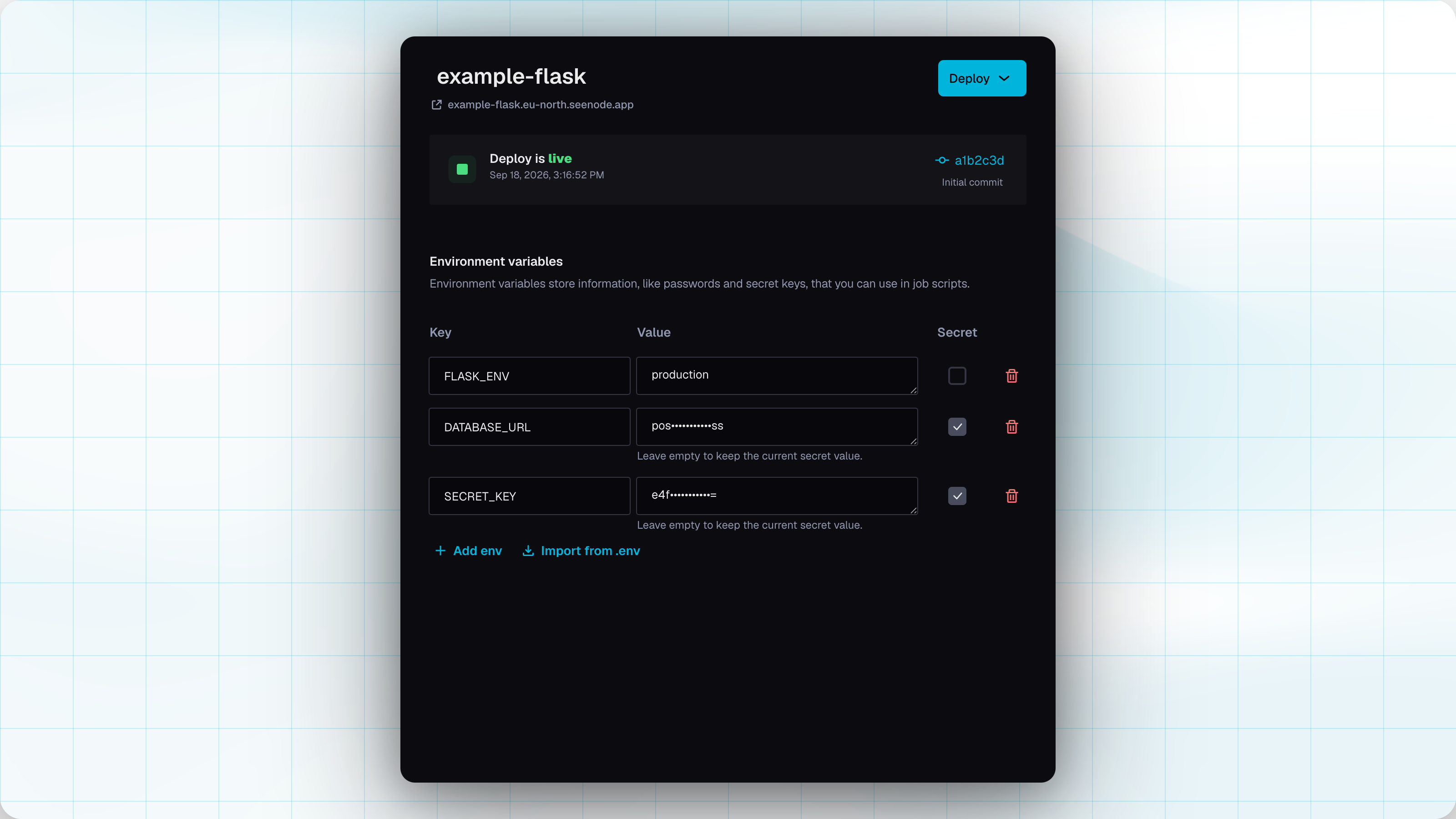
Open the service and go to the Envs tab.
-
Add or edit rows
Use Add env for a blank row, or edit a key and value in the table. Check Secret for values that should be encrypted.
-
Import a
.envfile (optional)Import from .env pastes
KEY=valuelines. Append*to a key to mark it secret (API_KEY*=…). Blank lines are ignored. You can replace the current list or append. -
Apply changes
Use Apply changes on the pending-changes bar. Until you apply, edits stay in the sidebar only.
When a save takes effect
| Service | After you apply |
|---|---|
| Web, worker, private | seenode updates the running app with the current image and restarts it. This is not a Git rebuild. |
| Static site | Values are stored for the next build. They are not sent with visitor requests. |
You do not need a separate “Deploy latest commit” for env changes on a running web, worker, or private app.
Note (Static sites)
Build-time environment variables are available while your static site is built. They are not exposed at request time.
Secrets
Mark a row Secret (or import with KEY*=value ). Secret values are encrypted at rest. After save you see a mask, not the value. You can replace a secret by typing a new value; leave the field empty to keep the current one.
You cannot read a secret back from the dashboard, the list API, or an agent. Treat the first paste as the last time you will see it.
Linking a database
The dashboard does not have a “link database” button. Copy host, port, user, password, and database name from the database Connection tab into Envs (mark secrets). Or use the API / MCP to write DATABASE_* keys without putting the password in the response. See Link a database.