You can take an app from the editor to a live seenode service without bouncing between five tools. MCP works in any coding tool that can talk to an MCP server, including Cursor, Claude, Codex, and others. The dashboard agent is for when you are already in seenode.
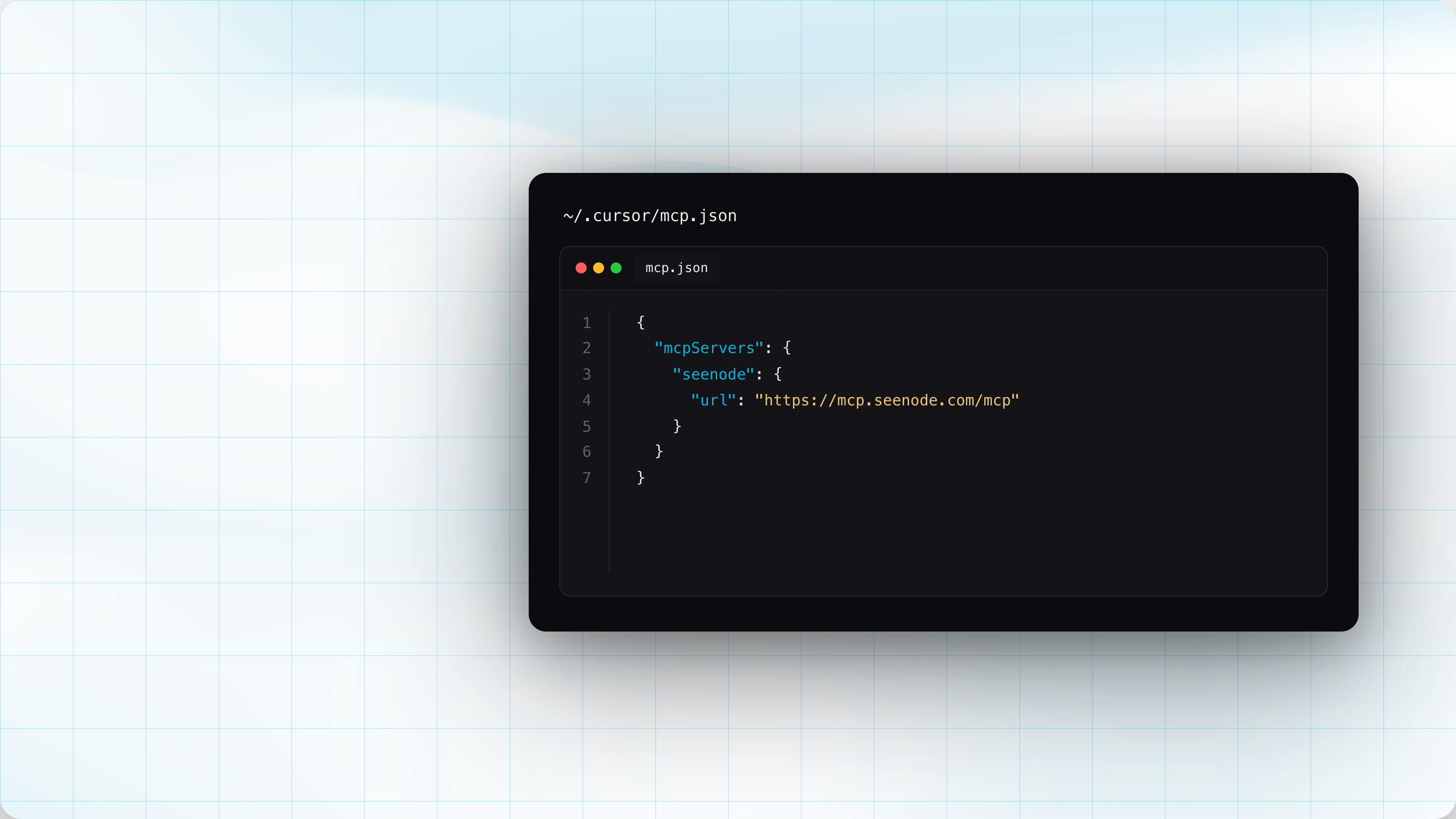
Hosted MCP
The usual loop is write code, leave the IDE, click through the dashboard, come back. That loop is gone.
Point any MCP client at https://mcp.seenode.com/mcp. Cursor, Claude Code, VS
Code, and Codex are in the tabs below. Anything else that can add a remote MCP
server works the same way.
OAuth is discovered automatically. No
API key in the config. You approve access on a consent screen, including which
team. The same agent that is writing the app can create the service, set env
vars, deploy, read logs, and attach a database.
Add this to ~/.cursor/mcp.json (global) or .cursor/mcp.json (project):
{ "mcpServers": { "seenode": { "url": "https://mcp.seenode.com/mcp" } }}Add the remote MCP server, then complete OAuth when prompted:
claude mcp add --transport http seenode https://mcp.seenode.com/mcpClaude Desktop: add the same URL as a remote connector.
Add this to .vscode/mcp.json in your workspace:
{ "servers": { "seenode": { "type": "http", "url": "https://mcp.seenode.com/mcp" } }}[mcp_servers.seenode]url = "https://mcp.seenode.com/mcp"Git-backed creates still need GitHub or GitLab connected on the account. If they
aren’t, get_git_connections reports that, and connect_git_provider hands you
an OAuth URL to finish in the browser.
When an agent attaches a database to an app, link_database_to_application copies the credentials into secret env vars on the server.
Delete and destroy tools are not available. Those actions don’t belong in chat.
More resources
- MCP docs: setup for every coding tool, full tool list, OAuth
- Agent Skills: deploy, troubleshoot, and other seenode workflows for coding agents
- seenode Agent Plugin on GitHub: where the skills live
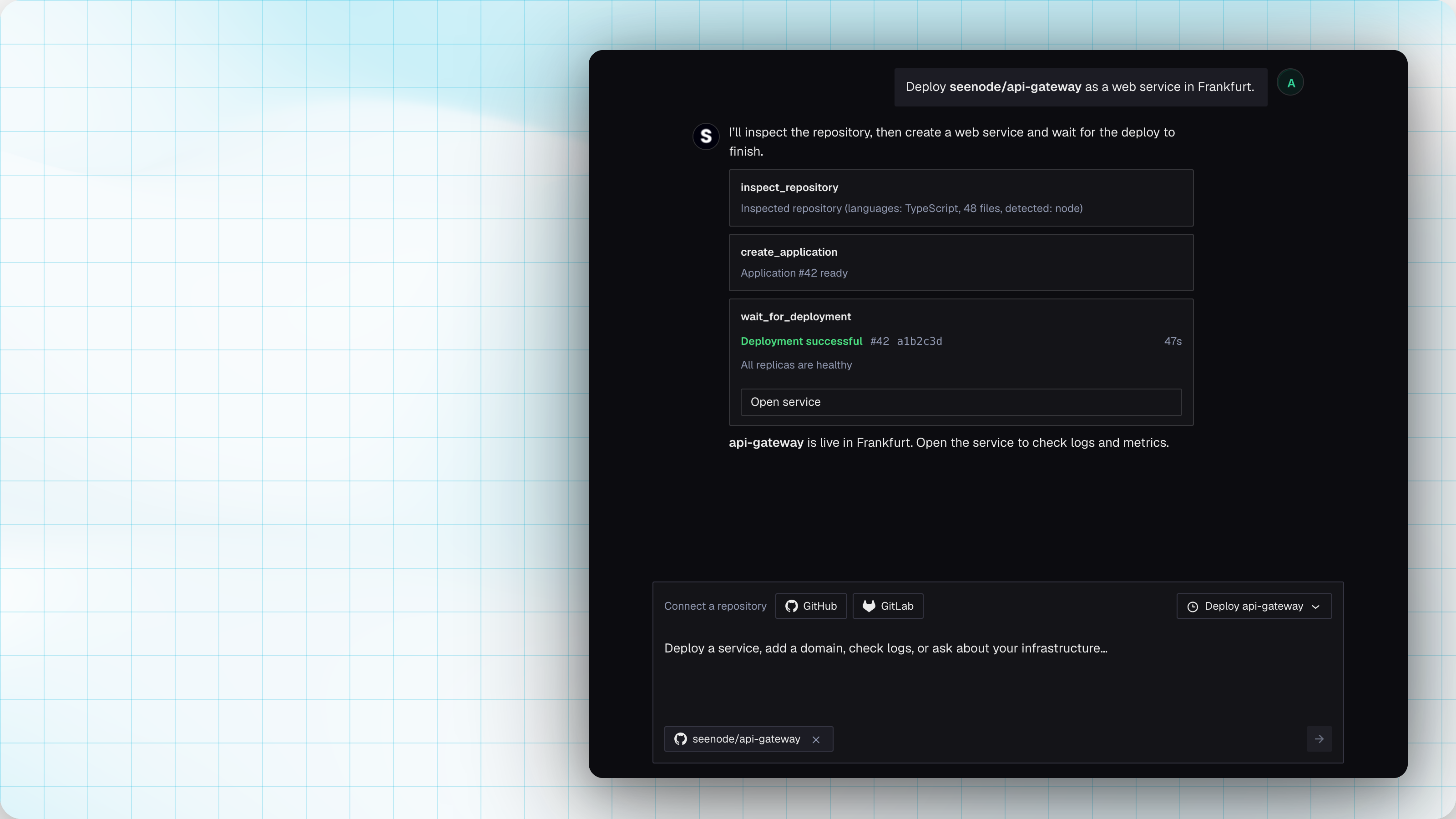
Deploy Agent
If you are already in the dashboard, you don’t need to jump back to the editor to ship. Open Agent in the sidebar, Create new → Agent, or ⌘K.
It’s a Claude-backed chat against the seenode API. Sessions persist. Mutating actions ask for approval. You can @ mention an app or database.
Use it to inspect a repo, pick a runtime, set build/start/port, create the app, create a database, wire env vars, deploy, wait, and read logs.
Three buttons start that flow with context already loaded:
- Fix with AI on a failed deploy banner. The agent opens with that deploy in context, so it can read the logs and the repo and help you fix what actually broke, instead of you pasting stack traces around
- Pre-fill with AI on app create (and in deploy settings). It inspects the real tree, including the Python package manager, and fills build command, start command, port, and root directory
- Pre-fill with AI for environment variables. Same button on the env vars step: it proposes the keys your app actually needs, so you are not starting from a blank list
MCP is the editor surface. The agent is the dashboard surface.
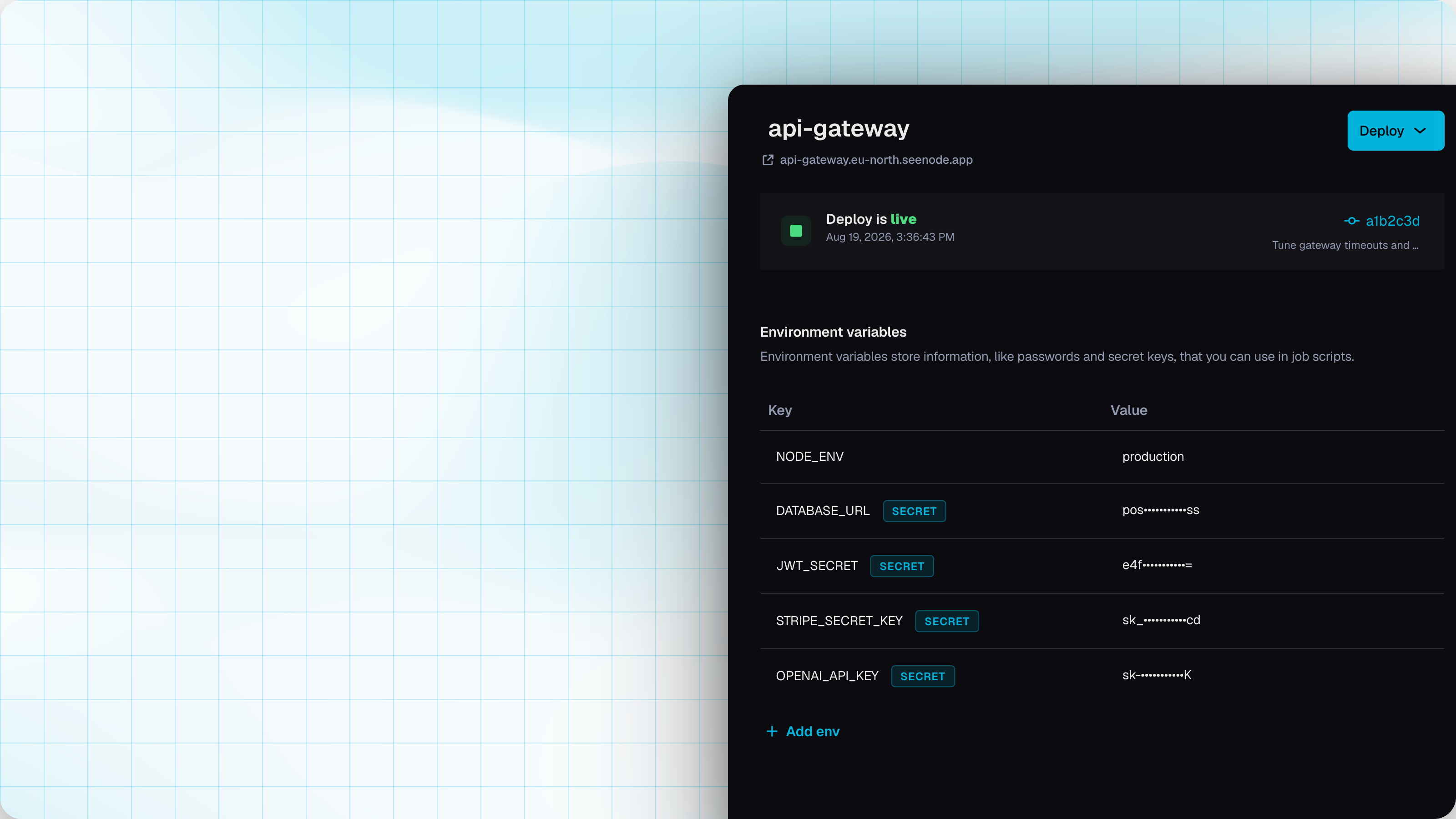
Secret environment variables
You can mark an env var as Secret when you need a key or token in the app without showing the value again. After save, the value is masked. You can replace it. You can’t read it back.
In the application sidebar, toggle
Secret when you add a var, or on an
existing one. Shortcut when creating: append * to the key
(API_KEY*=…) and it’s marked secret
automatically.
MCP and the agent use the same path when they attach a database to an app.
Postgres 16 or 18
New databases ask which engine you want to run, so you can pin it at create time instead of hoping the default matches your app.
- PostgreSQL: 18.4 (default) or 16.14
- MySQL: 8.4
Existing databases stay on the version they already have. No in-place major upgrade in this release.
POST /v1/databases takes databaseVersion as an exact version
(18.4) or a major prefix
(18 matches any 18.x):
{ "databaseType": "postgresql", "databaseVersion": "18.4", "customName": "app-db", "packageId": 1}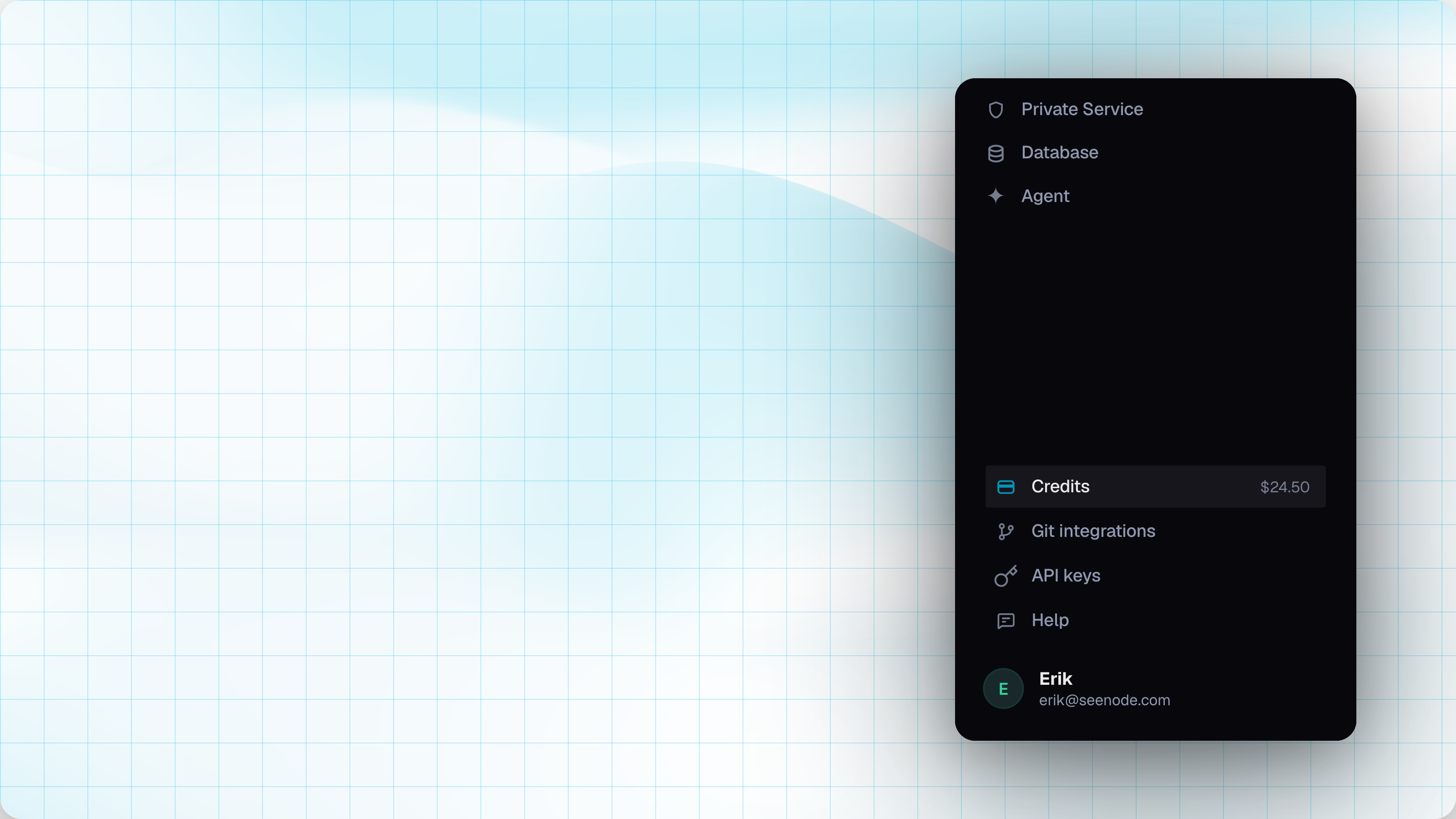
Sidebar: Credits, Git, API keys
Spend, git, and tokens used to sit in account menus. They now live in the sidebar footer, with search (⌘K) next to the workspace switcher, so you can find them without hunting.
Credits is always visible, with the current balance. One click lands on billing: usage, top-ups, bonuses, grants, and a running balance, not just a list of usage orders. Filter by date and kind. Stripe top-ups now have a button to download the invoice PDF from Stripe directly.
Git integrations is a straight shot to GitHub / GitLab connections.
API keys is next to it. New keys are scoped to a team, and you pick an expiry: 1 hour, 7 days, 30 days, 6 months, 1 year, or never.
Also this month
- Branch dropdowns on GitHub and GitLab search server-side. Large repos no longer dump every branch into the UI
- Compute tiers for new app creates.
Existing services keep their current package.
- Basic $4
- Standard $7
- Pro $14
- Ultra $28
- Two database packages are no longer offered on new creates. Existing databases on those packages keep running. The first two remaining plans now allow 20 connections (was 10 on the first, 15 on the second)