If you logged in recently you probably noticed things look different. We shipped a full redesign this month alongside a bunch of feature updates. Here’s what changed.

We redesigned the whole app
New visual system across every screen: colors, spacing, typography, icons. Less noise, more structure. If something looks off on your end, reply and we’ll sort it.
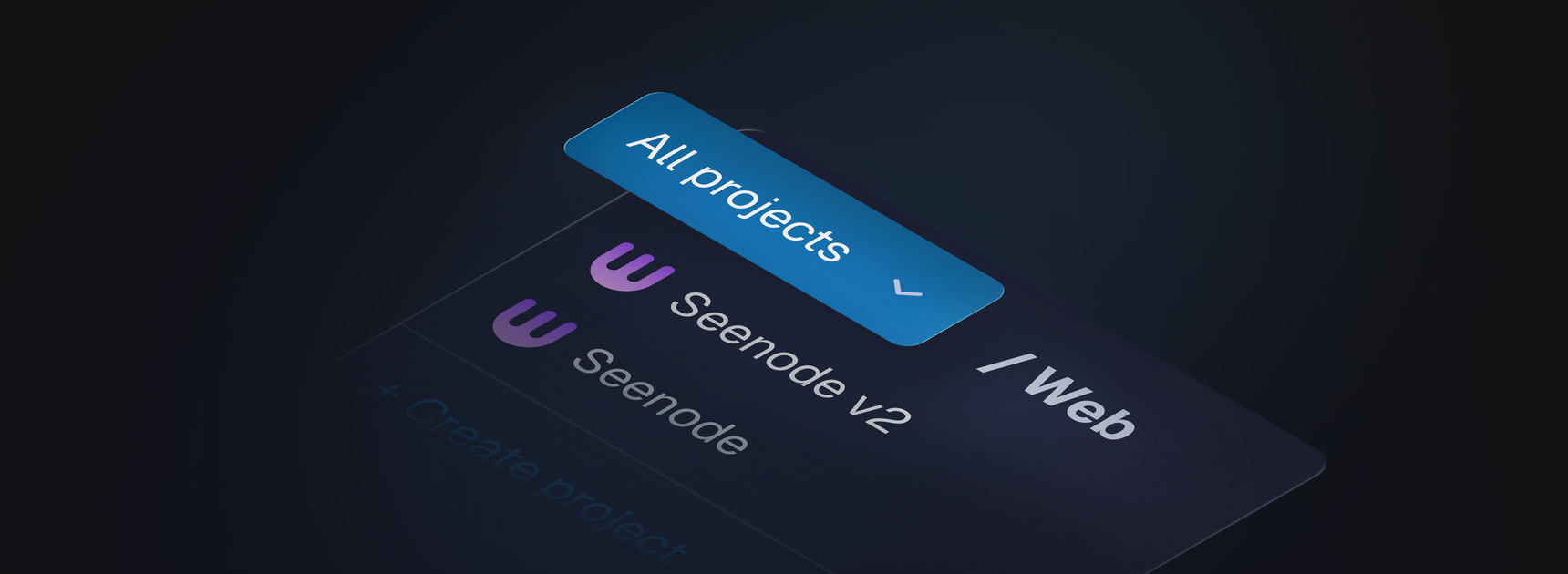
Projects are now in the breadcrumbs
The project selector moved out of the left nav and into the breadcrumb bar at the top. You pick your project context there and everything filters to it. When you create a new service with a project selected, it gets assigned automatically with no extra step.
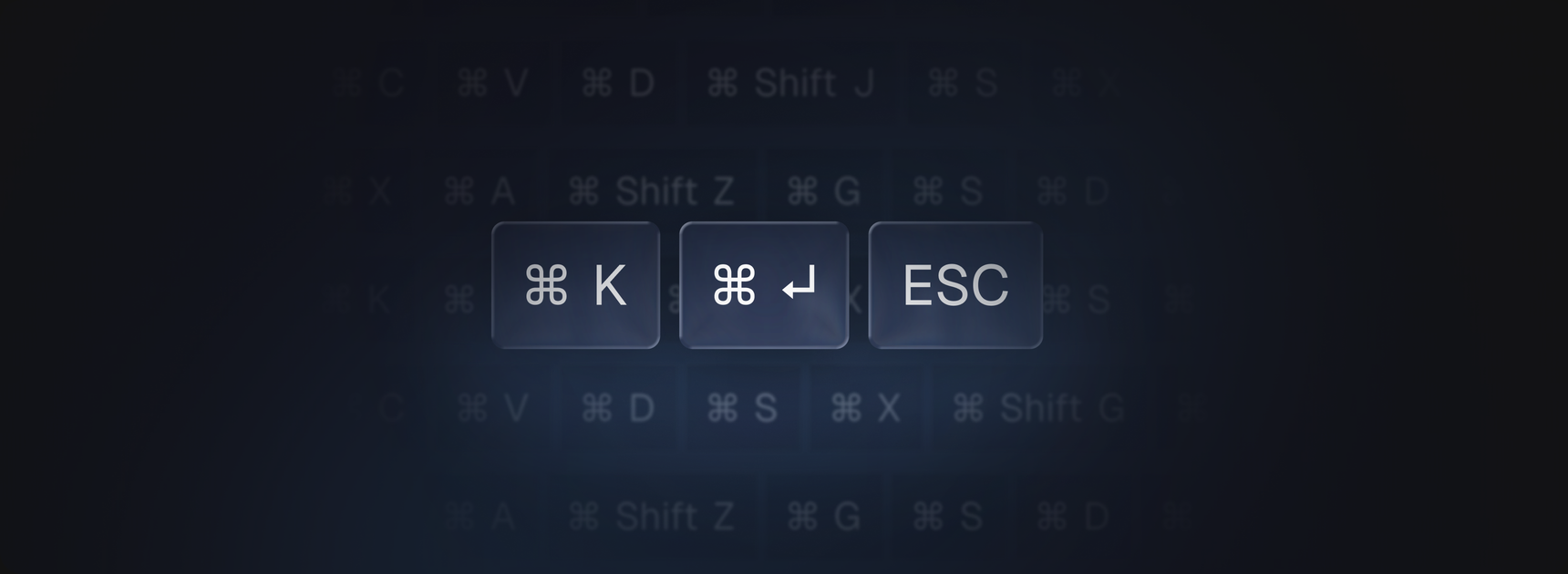
Command palette
Replaced the old search bar with a proper command palette. Keyboard-first, fast, and it’s aware of context (which project/service you’re in).
Domains got a big overhaul
This one touched a lot of things at once.
New built-in domain format. Services now get a your-repo-name.seenode.app
domain out of the box instead of the old
web-abc123xyz.region.run-on-seenode.com garbage. Shorter, readable, shareable.
Free TLS included, same as before.
Set a default domain. If you have multiple custom domains on a service, you can now mark one as the default. That’s the URL that shows in the app header and gets used everywhere as the primary link.
Live DNS status. The domain card now shows exactly what’s going on at each stage: DNS not pointed yet (with what it currently resolves to vs. what it should), routing being set up, SSL being provisioned, SSL active. No more guessing. If something is in progress, the app polls automatically every 30 seconds and updates the status without you having to hit refresh.
Inline DNS config. The CNAME/A record values you need to set at your DNS provider are shown right inside the domain card with one-click copy. Previously they were only in the add-domain dialog and you’d lose them after closing it.
Error states with a direct support link. If routing or SSL provisioning fails, the domain card now has a “contact support” link that opens a pre-filled chat with your domain name, app ID, and what failed already in the message. Saves the back-and-forth.
Add domain dialog simplified. Cleaner flow, better copy, and the verify step now shows the same live domain card instead of a separate view.
Public repositories
You can now deploy from any public GitHub repo without connecting your account first. Paste the URL, pick a branch, deploy. Branch and commit pickers also have pagination now if the repo has a long history.
Duplicate application
Open the three-dot menu on any app and hit Duplicate. One click copies everything: repo, branch, env variables, build and deploy settings. Custom domains are excluded since they can only point to one service at a time, but everything else comes over.
Resizable right panel
The service detail panel on the right can now be resized. Just drag the edge. If you have a wide monitor and want more space for logs or env vars, you’ve got it.
Keyboard shortcuts everywhere
Most modals now have keyboard shortcuts for confirm, cancel, and submit without having to reach for the mouse. The sidebar also has an open/close shortcut.
Help page
There’s a new Help page linked at the bottom of the left nav (the chat icon). Shortcuts reference, docs links, and support options in one place.
Skeleton loading
Lists now show skeleton placeholders while data loads instead of flashing an empty state. If it loads fast enough you won’t even see them.