
Platform-as-a-service (PaaS) lets you deploy a web app without provisioning servers, patching OSes, or wiring CI/CD from scratch. You push code (usually from GitHub or GitLab) and the platform handles builds, SSL, routing, and scaling.
That is different from static hosting. A real web app needs a process that stays up, talks to a database, runs background jobs, and often keeps WebSockets or long-lived connections open. The best PaaS for that job is not always the same one that wins for a marketing site or a Next.js frontend.
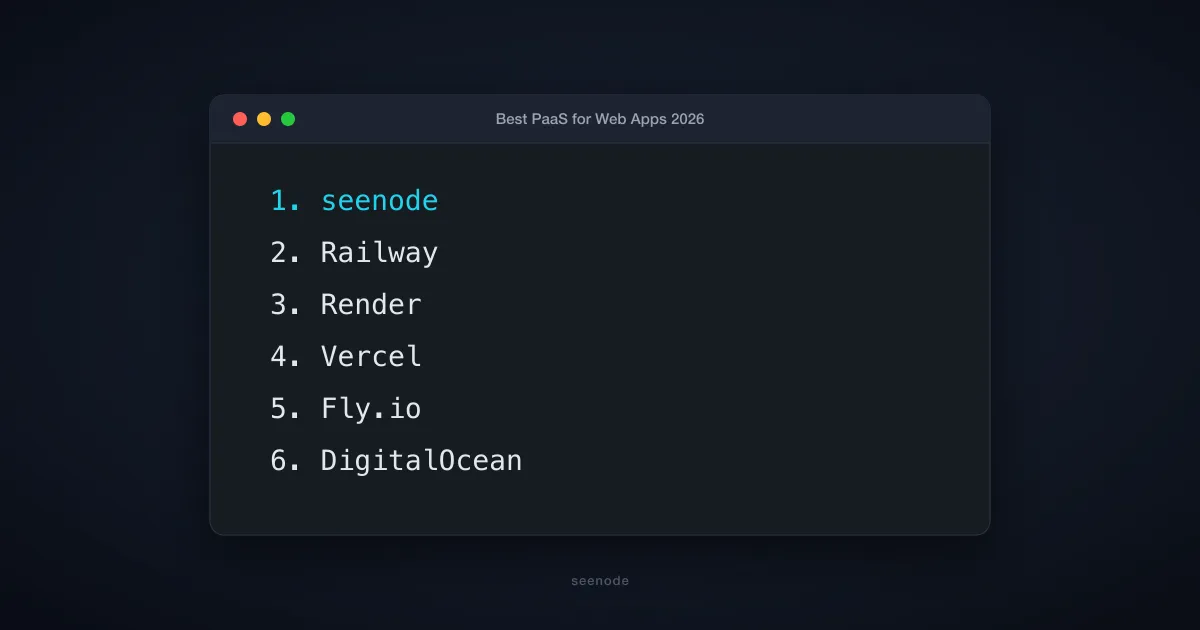
This guide ranks 10 PaaS providers for web apps in 2026, with seenode first: predictable fixed pricing, always-on services, managed databases, and a deploy-from-Git workflow that still feels like classic Heroku, without the surprise invoices.
Pricing and features below are based on publicly available docs as of July 2026 and can change by region and plan.
Key takeaways
- Pick always-on PaaS (seenode, Railway, Render, Fly.io, Heroku) when you need persistent processes, WebSockets, or workers, not only serverless functions.
- Pick frontend / edge PaaS (Vercel, Netlify, Cloudflare Pages) when the app is mostly static or serverless and you want global CDN performance.
- Billing model matters as much as features. Fixed tiers (seenode, Render) beat usage metering if you hate surprise bills; usage-based (Railway, Fly.io) can win for bursty traffic.
- For a full stack under ~$15/month with a database, seenode is usually the cheapest always-on option in this list.
- Hyperscaler-adjacent tools (DigitalOcean App Platform, AWS Amplify) shine when you already live in that ecosystem.
Quick comparison
| Provider | Best for | Pricing from* | Billing | Always-on | Managed DB |
|---|---|---|---|---|---|
| seenode | Predictable cost full-stack apps | From $3/mo | Fixed tiers | Yes | Postgres, MySQL |
| Railway | Heroku-like DX, variable traffic | Free trial / usage | Usage-based | Yes | Yes |
| Render | Production defaults, teams | Free tier / paid | Fixed + usage | Yes | Postgres, Redis |
| Vercel | Next.js and frontend apps | Free / Pro ~$20/mo | Seat + usage | Serverless | Via partners |
| DigitalOcean App Platform | Hybrid PaaS + DO cloud | Free / ~$5/mo | Fixed | Yes | Yes |
| Fly.io | Multi-region, low latency | Usage-based | Usage-based | Yes | Optional managed |
| Heroku | Mature classic PaaS | ~$7/mo dynos | Dyno tiers | Yes | Postgres + add-ons |
| Netlify | JAMstack / Deploy Previews | Free / ~$9-20/mo | Seat + usage | Serverless | Via partners |
| AWS Amplify | AWS-centric full-stack frontends | Free tier / usage | Usage-based | Mixed | Via AWS |
| Cloudflare Pages | Edge speed, static + Workers | Free / paid | Usage-based | Edge | Via partners |
*Entry prices are approximate starting points for a small app; real stacks (web + DB + seats) usually cost more. See each section.
How we evaluated
We scored platforms the way a small team actually chooses:
- Stack fit: Can you run Python, Node.js, Go, or similar backends, not only static sites?
- Developer experience: Git deploys, logs, previews, dashboards without a dedicated DevOps person.
- Pricing predictability: Fixed tiers vs metered CPU/egress vs per-seat plans.
- Databases & workers: Managed Postgres/MySQL, background workers, private networking.
- Runtime model: Always-on processes vs serverless/edge (cold starts, WebSockets, timeouts).
- Support: Docs quality and whether a human will help when a deploy breaks at 6pm.
For a deeper look at billing models specifically, see our Heroku alternatives decision framework.
1. seenode: best for predictable, always-on web apps
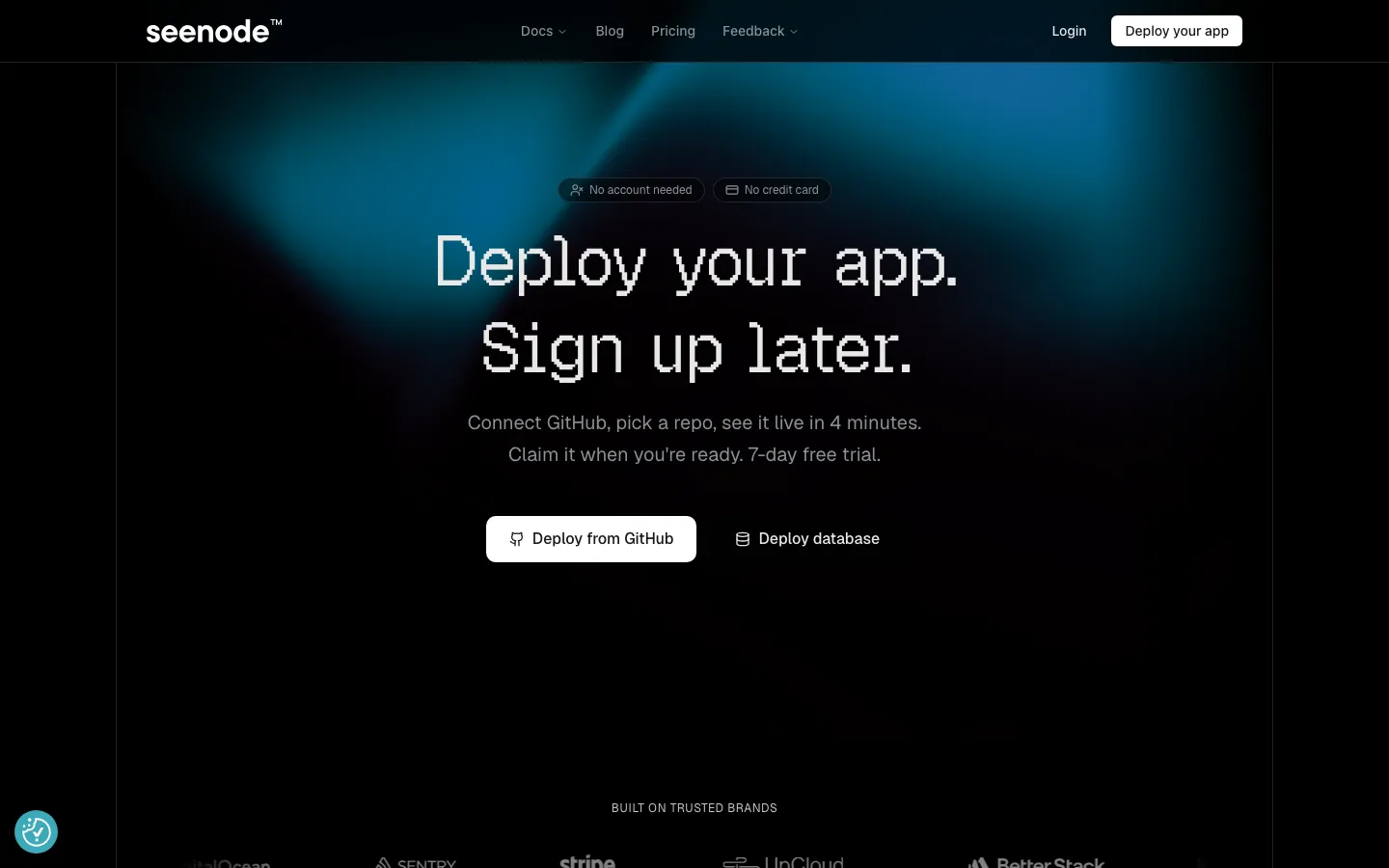
seenode is a developer PaaS built for shipping web services, workers, and managed databases without becoming an infrastructure team. Connect GitHub or GitLab, pick a repo, and get a public URL with SSL. You can even start a deploy before creating an account, claim it when you are ready, with a 7-day free trial.
seenode targets the gap left after Heroku’s free tier disappeared: always-on apps with Heroku-like simplicity and fixed monthly pricing. No cold starts, no per-request metering, no per-seat fees. That makes it a strong default for side projects, MVPs, and small SaaS products that need a real backend plus Postgres or MySQL.
Native runtimes include Python, Node.js, Go, and Elixir. You get centralized logs (7 days), private networking between services, zero-downtime deploys, horizontal or vertical scaling, and unlimited team members. Support is live chat with platform engineers, not a ticket black hole.
seenode key features
- Git-based deploys from GitHub/GitLab with automatic builds and SSL URLs
- Zero cold starts: always-on processes for WebSockets, SSE, and persistent connections
- Managed PostgreSQL and MySQL in the same project as your apps and workers
- Fixed monthly pricing, charged daily, with no per-seat or per-request surprises
- Unlimited team seats and pair-debugging support from the people who build the platform
seenode pricing (as of July 2026)
Pricing starts at $3/month for a basic web service. A common starter stack with web + Postgres is often around $7 to $11/month, depending on tier. Larger setups stay fixed-tier; seenode’s public comparison shows a 3-app + Postgres + storage stack at roughly $15.50/month vs much higher on Render for a similar footprint. Explore current numbers on seenode pricing.
Best for: Solo developers and small teams who want always-on apps, a database, and a bill they can predict.
Skip if: You need multi-region edge by default or a huge add-on marketplace on day one.
2. Railway: best for Heroku-like workflows with usage billing
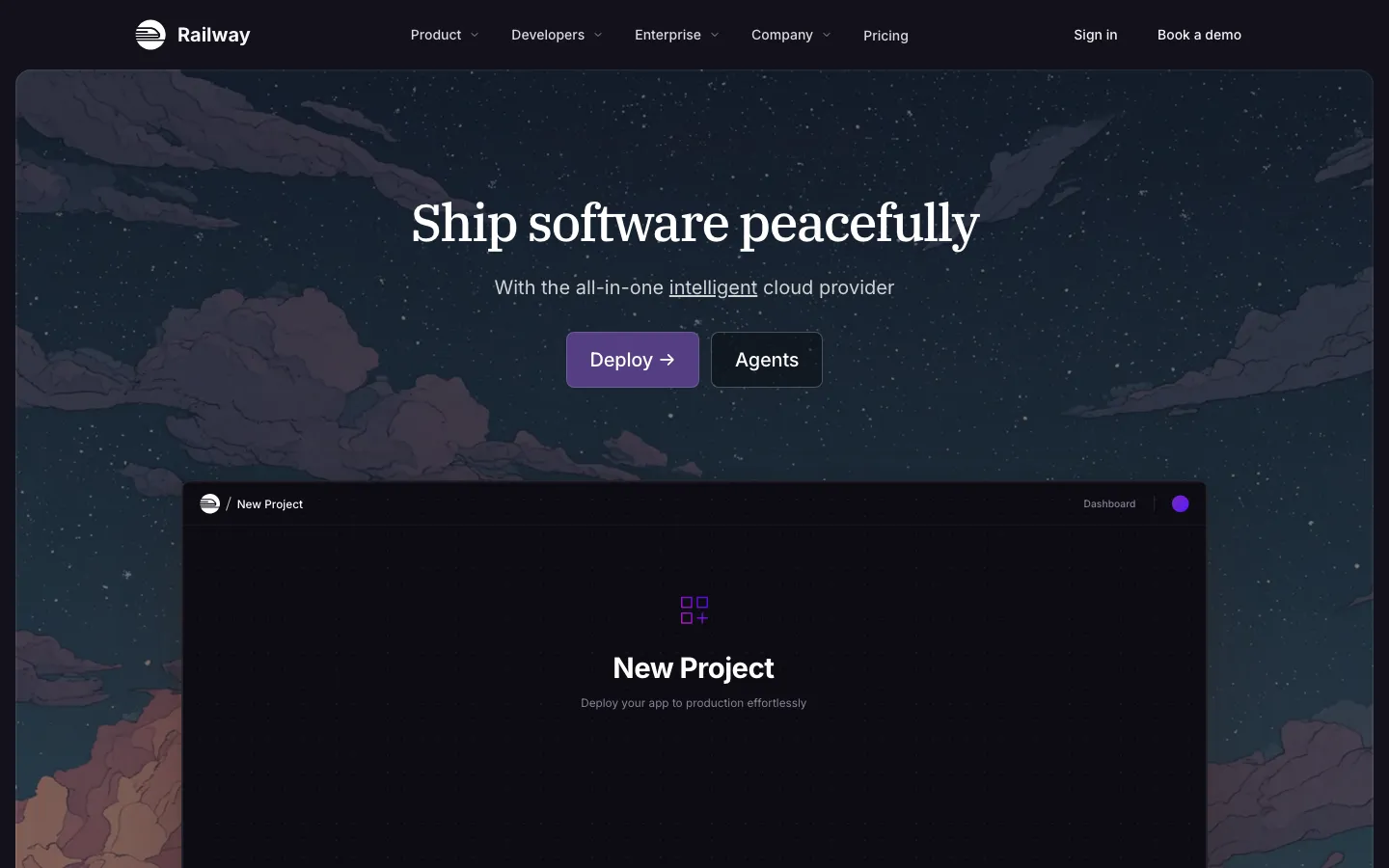
Railway is the platform many teams tried first after leaving Heroku. Deploy from Git, Docker, or the CLI; attach managed databases; use private networking between services. The DX is fast, and the product feels built for full-stack apps rather than marketing sites.
The tradeoff is usage-based pricing. Quiet apps can stay cheap; sustained traffic or chatty services can push the bill up quickly. That is fine if you watch usage, painful if you do not.
Railway key features
- Git, Docker, and local deploy paths with rollbacks and observability
- Managed databases and persistent volumes
- Private networking and TCP proxies
- Unlimited preview environments on higher plans
- Usage-based Hobby and Pro tiers
Railway pricing
Hobby includes a small usage credit; Pro is commonly around $20/month with included credit, and real production apps often land in the $20-30+/month range depending on CPU, memory, and egress.
Best for: Variable traffic and teams that like Railway’s project model.
Skip if: You need a fixed invoice every month.
3. Render: best for production-ready defaults
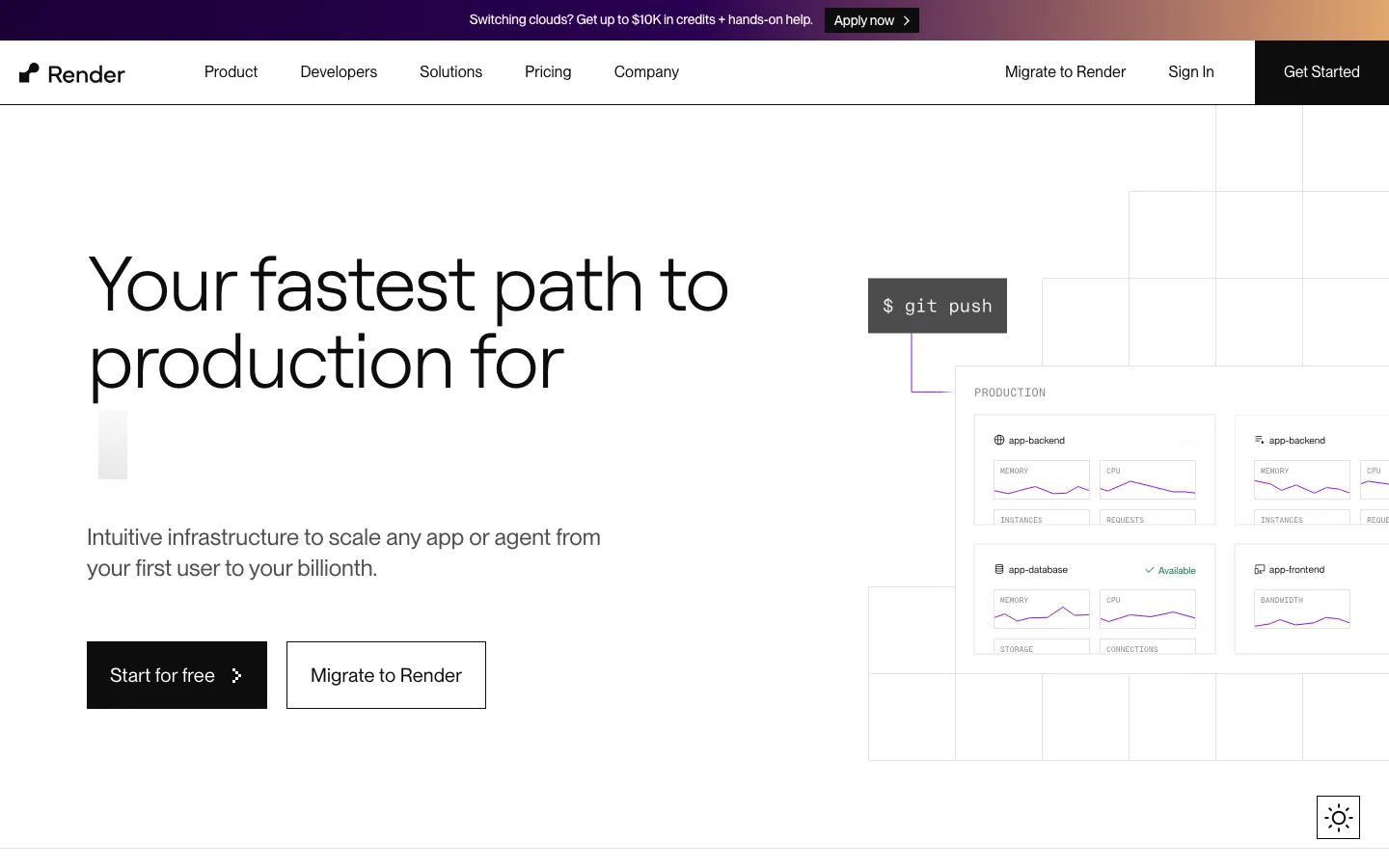
Render is a unified cloud for web services, static sites, background workers, cron jobs, and managed Postgres/Redis. Git auto-deploys, zero-downtime releases, and private networking make it a common “boring production” choice for agencies and startups.
Pricing is more expensive than seenode for comparable always-on stacks, especially once you add Postgres with production features and a paid workspace. You pay for stability and a mature feature set.
Render key features
- Automatic Git deploys and Docker support
- Native workers, cron jobs, and preview environments
- Managed PostgreSQL and Redis with private networking
- Infrastructure as Code via
render.yaml - DDoS protection and zero-downtime deploys
Render pricing
Free tiers exist for experiments; production web + Postgres setups often start in the tens of dollars per month and climb with PITR, larger DBs, and team plans.
Best for: Client work and teams that want opinionated production defaults.
Skip if: Budget is under ~$15/month for web + database.
4. Vercel: best for Next.js and frontend-centric apps
Vercel owns the Next.js deployment experience: Git integration, preview deployments per PR, and a global edge network. Serverless and edge functions cover APIs, but the platform is optimized for frontend and JAMstack patterns, not long-running backends.
If your “web app” is mostly React/Next with serverless APIs, Vercel is excellent. If you need always-on workers, WebSockets, or a traditional app server, look at seenode, Railway, Render, or Fly.io instead.
Vercel key features
- First-class Next.js and modern frontend frameworks
- Preview deployments and team collaboration controls
- Edge network, serverless functions, and AI SDK tooling
- Integrated storage options (Blob and related services)
Vercel pricing
Generous free hobby tier; Pro from about $20/month per seat, plus usage for functions and bandwidth on heavier apps.
Best for: Next.js products and frontend teams.
Skip if: You need persistent servers, workers, or cheap always-on Postgres next to the app.
5. DigitalOcean App Platform: best for hybrid PaaS + cloud
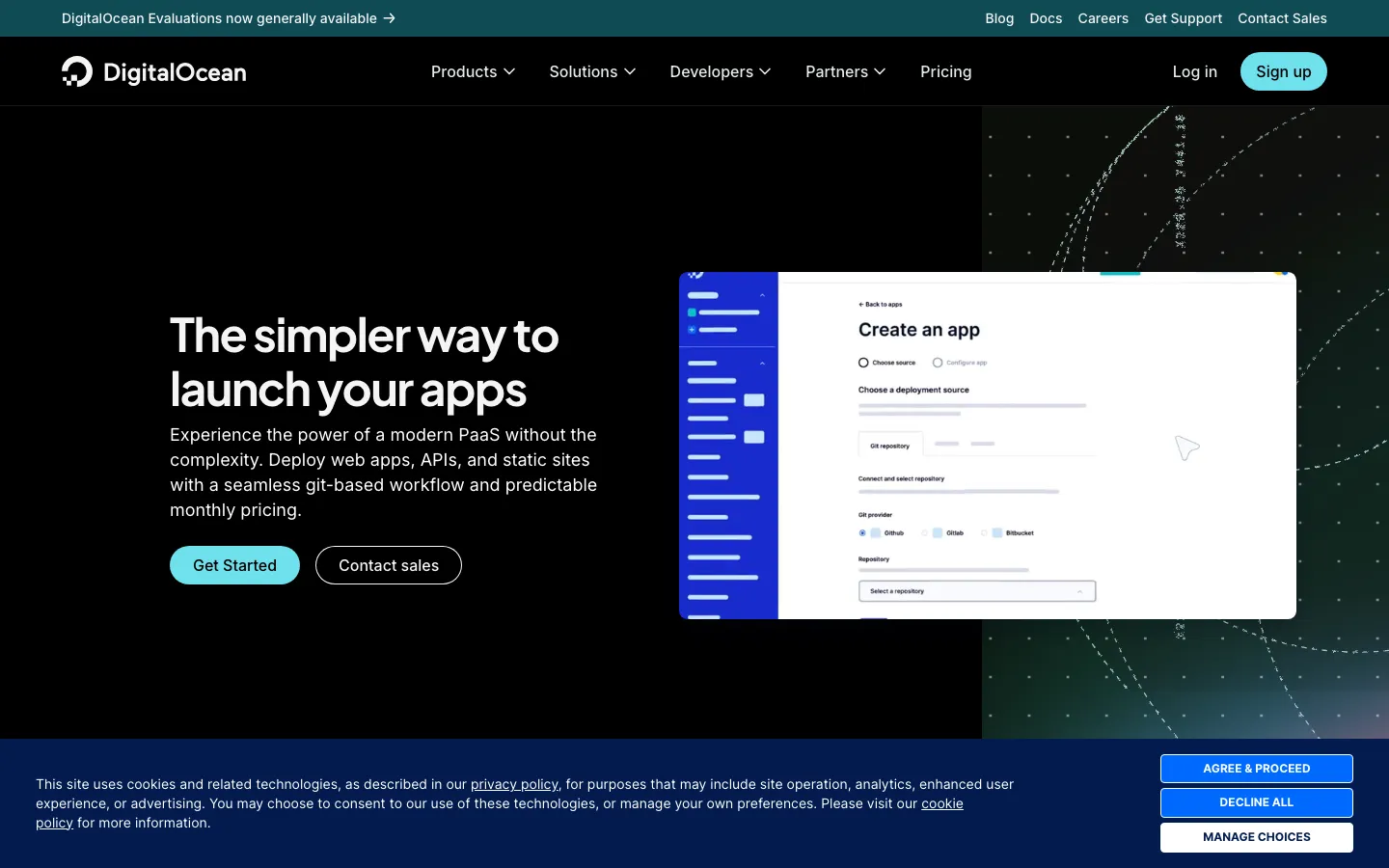
DigitalOcean App Platform sits on top of DigitalOcean’s broader cloud: deploy from Git or containers, mix services/workers/static sites, and grow into Droplets, managed databases, or GPU/AI products when you need them.
It is a solid middle ground when you want PaaS simplicity with an escape hatch into classic cloud infrastructure, without jumping straight to AWS complexity.
DigitalOcean App Platform key features
- Git-based deploys with component architecture (services, workers, static sites)
- Built-in HTTPS, CDN, and app-level logs
- Vertical and component-level scaling
- Path into Droplets, managed DBs, and AI/GPU products
DigitalOcean pricing
Static/free tiers for light apps; paid App Platform plans commonly start around $5/month, with costs rising as you add dedicated CPU and databases.
Best for: Teams that want managed deploys plus optional DO infrastructure.
Skip if: You only need a tiny always-on API and want the absolute lowest fixed bill.
6. Fly.io: best for multi-region and proximity to users
Fly.io runs full containers close to users across many regions. That is powerful for latency-sensitive apps and global products. Machines can scale to zero, which helps cost, but managed Postgres and always-on capacity change the economics fast.
Expect a steeper learning curve than seenode or Railway. The payoff is control over where your app runs.
Fly.io key features
- Global regions and Anycast networking
- Full Docker/OCI workloads with scaling options
- Optional managed Postgres (watch the price jump)
- Strong fit for latency-sensitive APIs
Fly.io pricing
Usage-based compute can look cheap for idle hobby apps (often under $15/month without managed Postgres). Adding managed Postgres frequently pushes totals toward ~$45-50/month, a cliff many comparison posts underplay.
Best for: Multi-region and performance-sensitive workloads.
Skip if: You want the simplest dashboard and a flat invoice.
7. Heroku: best for mature, classic PaaS
Heroku invented the dyno mental model many of us still use. Buildpacks, add-ons, review apps, and a huge ecosystem remain useful. The platform is stable and familiar, but innovation is slower, and pricing is rarely the cheapest option for a small always-on stack.
Still a valid choice if your team already knows Heroku or depends on specific add-ons.
Heroku key features
- Dyno-based scaling and Cloud Native Buildpacks
- Large add-on marketplace (data, monitoring, messaging)
- Private Spaces and compliance-oriented offerings
- Mature CLI and developer workflow
Heroku pricing
Basic dynos often start around $7/month, with Postgres and add-ons stacking quickly for production.
Best for: Teams standardized on Heroku’s ecosystem.
Skip if: You are cost-sensitive or want the newest PaaS DX.
8. Netlify: best for JAMstack and Deploy Previews
Netlify popularized Deploy Previews and a polished JAMstack workflow. Global CDN, serverless/edge functions, forms, and identity features make it strong for content sites and frontend apps, not a replacement for a classic always-on API host.
Netlify key features
- Deploy Previews tied to pull requests
- Serverless and edge functions
- Global CDN and build tooling
- Identity and forms on higher plans
Netlify pricing
Free personal tier; paid plans commonly from about $9-20/user/month plus usage.
Best for: Marketing sites, docs, and frontend-heavy products.
Skip if: Your core product is a long-running backend.
9. AWS Amplify: best for AWS-centric frontends
AWS Amplify helps frontend teams deploy apps and wire into Cognito, AppSync, S3, and the rest of AWS. Pull request previews and Amplify Hosting are convenient if you already live in Amazon’s ecosystem.
The downside is classic AWS: powerful, but complexity and cost visibility can grow quickly once you leave the happy path.
AWS Amplify key features
- Hosting with PR previews
- Auth, storage, and API integrations with AWS services
- Amplify Studio and CLI for backend wiring
- Fits teams already standardized on AWS
AWS Amplify pricing
Pay for Amplify Hosting and underlying AWS resources. Entry can look cheap; production AWS bills need monitoring.
Best for: Frontend apps that must plug into AWS deeply.
Skip if: You want a simple Heroku-style PaaS with one predictable invoice.
10. Cloudflare Pages: best for edge speed and static-first apps
Cloudflare Pages deploys sites and JAMstack apps onto Cloudflare’s global network, with Pages Functions (Workers) for dynamic behavior at the edge. Unlimited bandwidth on Pages plans is a real advantage for traffic spikes.
Like Vercel and Netlify, it is not the first pick for traditional always-on app servers, but for edge-first architectures it is hard to beat on latency and CDN reach.
Cloudflare Pages key features
- Git-integrated continuous deployment
- Pages Functions on the edge network
- Global CDN performance and DDoS posture
- Unmetered bandwidth on Pages plans
Cloudflare pricing
Generous free tier; paid Workers/Pages plans for heavier compute and team features.
Best for: Static and edge-rendered apps that need global speed.
Skip if: You need a classic always-on Node/Python process next to managed Postgres in one dashboard.
How to choose the right PaaS
Use this shortcut:
- Side project or MVP under $15/month with a database → seenode
- Heroku-like DX and you accept usage bills → Railway
- Agency / client production defaults → Render
- Next.js-first product → Vercel (pair a backend PaaS if you outgrow serverless)
- Already on DigitalOcean → App Platform
- Need many regions → Fly.io
- Frontend/edge only → Netlify or Cloudflare Pages
- Deep AWS integration → Amplify
If billing model is the deciding factor, read the full breakdown in Heroku Alternatives Decision Framework.
FAQ
What is the best PaaS for a large-scale web app?
For large scale, prioritize autoscaling, observability, and operational maturity. Render, Fly.io, and hyperscaler-adjacent platforms (DigitalOcean, AWS) are common choices. Many teams still start on a simpler always-on PaaS like seenode or Railway, then split services or move parts of the stack when traffic justifies it. Pure VPS/IaaS wins only when you need OS-level control that PaaS will not give you.
Is PaaS better than VPS hosting for web apps?
For most product teams, yes. PaaS is faster to ship and cheaper in engineering time. Choose a VPS when you need custom kernels, unusual networking, or specialized software that no PaaS supports. Do not pick a VPS just to “save money” unless you enjoy being on-call for patching and SSL renewals.
Which PaaS is best if I am leaving Heroku?
Closest workflow: Railway. Closest economics for a small always-on app + database: seenode. Closest “enterprise boring”: Render. Details and cost tables: Heroku alternatives decision framework.
Can I host a full-stack app with a database on these platforms?
Yes on seenode, Railway, Render, DigitalOcean, Fly.io, and Heroku. On Vercel, Netlify, Amplify, and Cloudflare Pages, you typically attach an external database (Neon, PlanetScale, Supabase, RDS, etc.) and keep the host focused on frontend/serverless.
How do I migrate to seenode?
Point a GitHub or GitLab repo at seenode, set build/start commands and env vars, provision Postgres or MySQL if needed, and deploy. Start from the seenode docs or just deploy from GitHub.
Ship your web app without the infrastructure tax
If you want always-on web services, workers, and managed databases with fixed pricing and no per-seat fees, seenode is built for that: predictable invoices, no per-seat fees, and a deploy loop that gets out of your way.